Description:
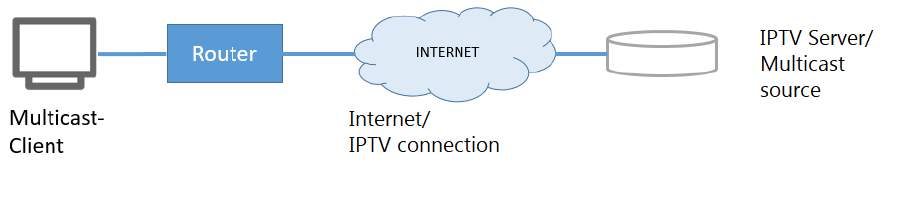
This document describes a number of ways of configuring an IPTV connection using the IGMP proxy in the LANCOM router.
Requirements:
- LCOS as of version 10.40 (download latest version)
- LANtools as of version 10.40 (download latest version)
Procedure:
1. Automatic configuration with the Setup Wizard:
Automatic configuration with the Setup Wizard configures a standard scenario where the provider delivers multicast IPTV over the same connection as the Internet access.
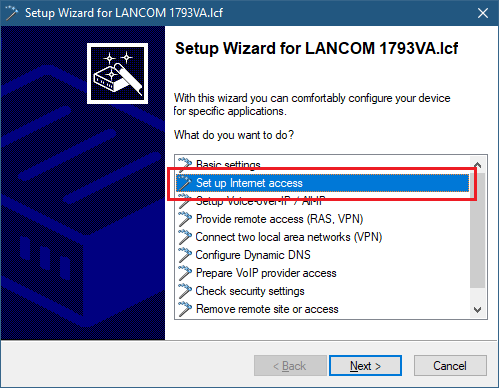
1.1 Open the Setup Wizard in LANconfig and select the option Set up Internet access.
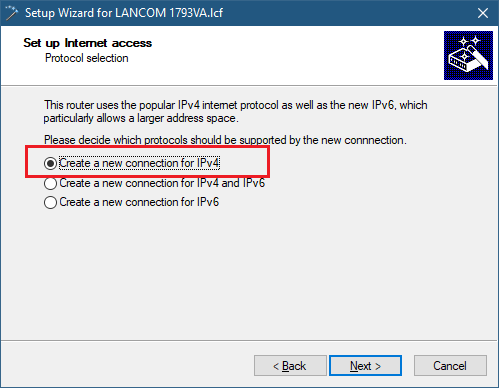
1.2 Select the option Create a new connection for IPv4.
1.3 Use the internal VDSL modem of the LANCOM router for the connection.
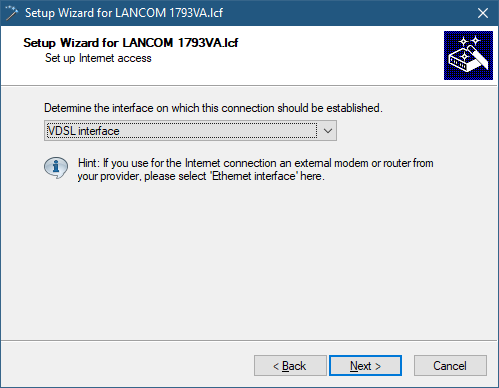
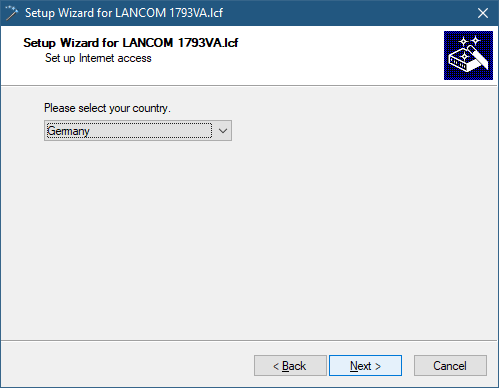
1.4 Set your country to Germany.
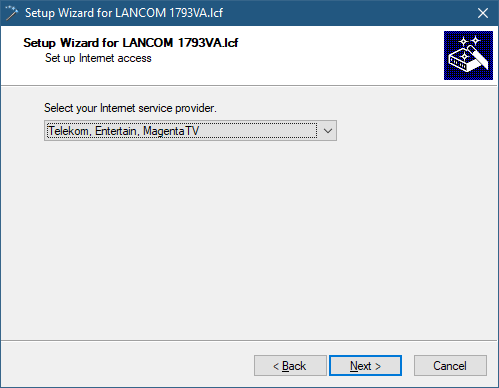
1.5 Select Telekom, Entertain, Magenta TV.
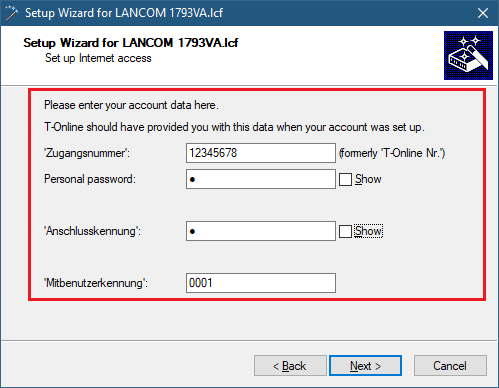
1.6 Enter the account data.
1.7 No backup connection is required.
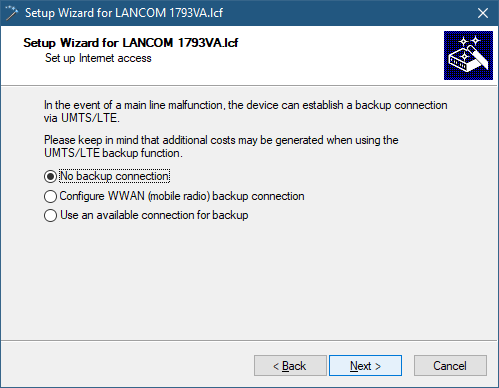
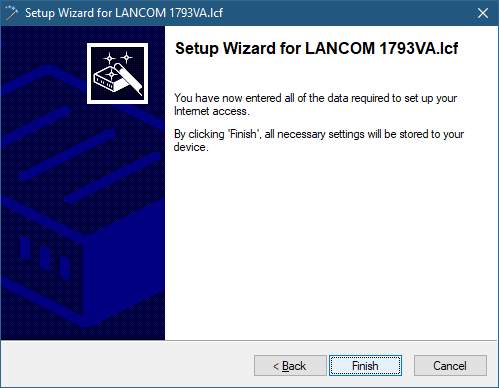
1.8 Click on Finish to write the configuration back to the LANCOM router.
The Internet connection and the IPTV are now ready for use.
2. Manual configuration (variant 1):
In this variant, the provider delivers multicast IPTV over the same connection as the Internet access.
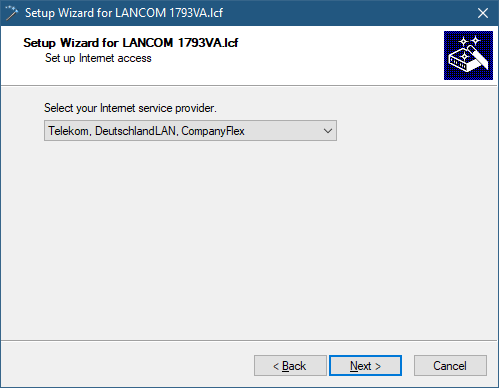
2.1 Use the Setup Wizard to set up the Internet connection and choose as an Internet provider (e.g. Telekom, DeutschlandLAN, CompanyFlex).
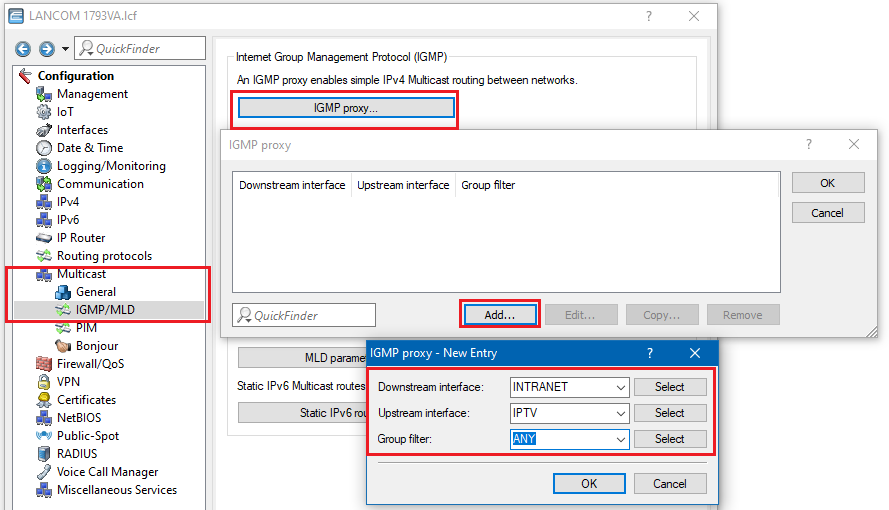
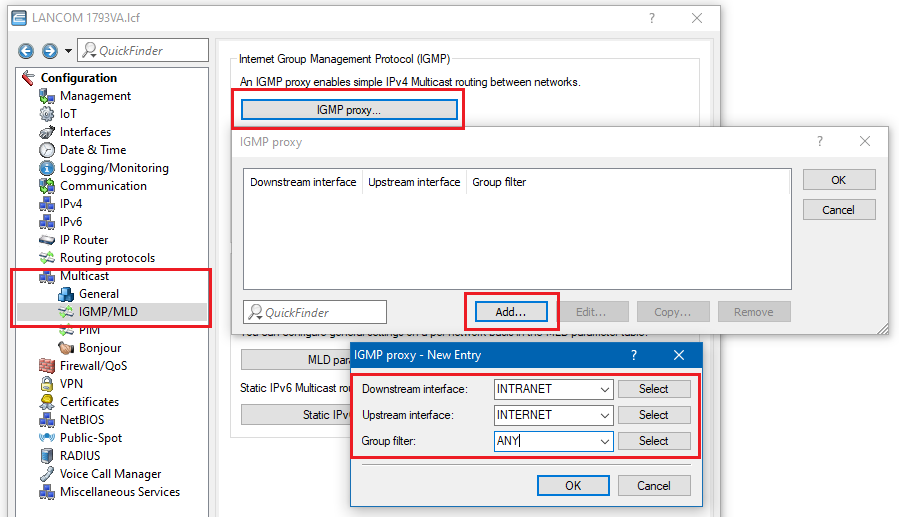
2.2 Open the configuration dialog for the LANCOM router and switch to the menu item Multicast → IGMP/MLD → IGMP-Proxy.
2.3 Add a new entry:
- Downstream interface: Select the interface where clients should receive IPTV, e.g. INTRANET.
- Upstream interface: Remote site of the Internet connection, e.g. INTERNET.
- Group filter: Select ANY to allow all multicast groups
Further settings, for example in the routing table or firewall, are no longer required as of LCOS 10.40.
2.4 Write the configuration back to the LANCOM router.
3. Manual configuration (variant 2):
In this variant, the provider delivers multicast IPTV access via a second, separate (DHCPoE) connection that uses the VLAN tag X. The provider uses this DHCP connection to transmit the routes by means of the DHCP option "classless static route”. Thus there is no need for an additional entry in the routing table.
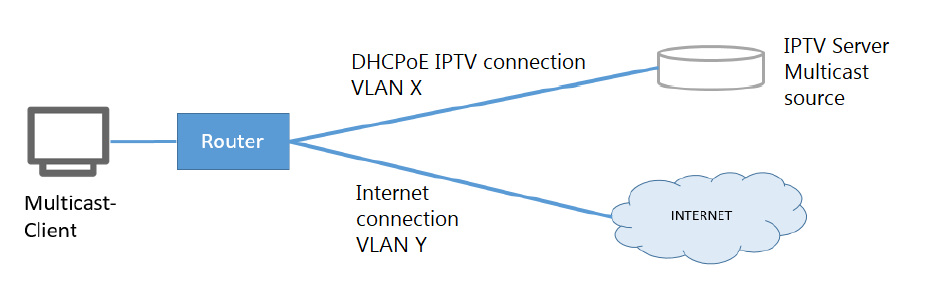
3.1 Use the Setup Wizard to set up the Internet connection and choose as an Internet provider (e.g. Telekom, DeutschlandLAN, CompanyFlex).
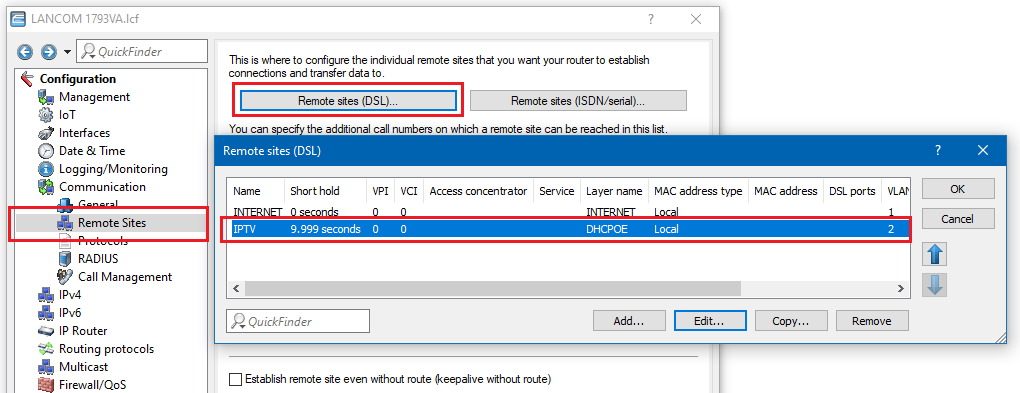
3.2 Open the configuration for the LANCOM router and switch to the menu item Communication → Remote sites → Remote sites (DSL).
3.3 Create a new DSL remote site for the IPTV.
- Set the short hold time as 9999.
- DHCPOE is used as the layer.
- In this example, the IPTV connection uses the VLAN ID 2.
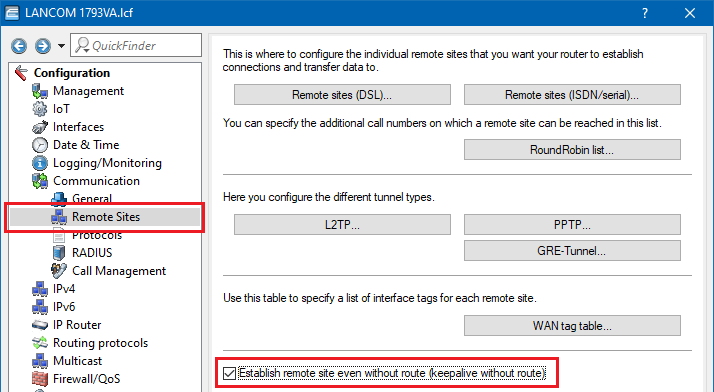
3.4 In the menu Communication → Remote sites, activate the option Establish remote site even without route.
3.5 Navigate to the menu Multicast → IGMP/MLD → IGMP proxy.
3.6 Add a new entry:
- Downstream interface: Select the interface where clients should receive IPTV, e.g. INTRANET.
- Upstream interface: For the IPTV, select the Internet remote site created in step 3.3.
- Group filter: Select ANY to allow all multicast groups
3.7 Write the configuration back to the LANCOM router.