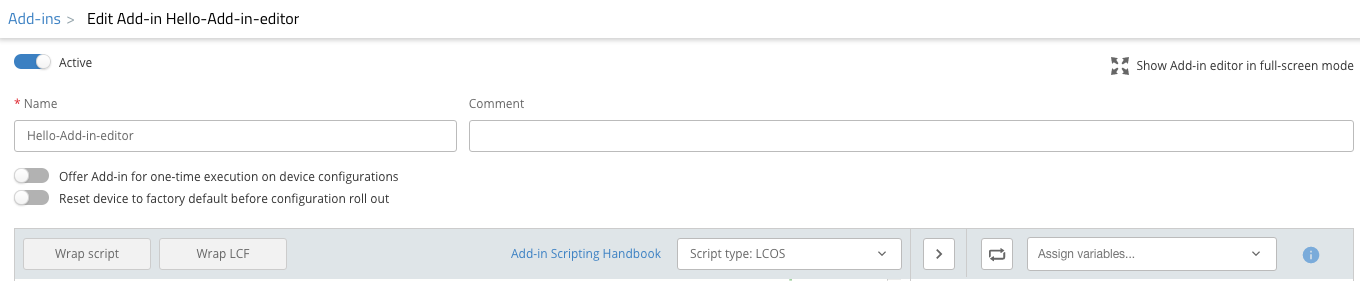
Der LMC Add-in Editor unterstützt die in der LMC verwendete Skript-Sprache und kann somit bei der Entwicklung von Add-ins unterstützen. Der Editor verfügt über eine intelligente Autovervollständigung von Code und nützliche Befehle zum Erstellen von Add-ins.
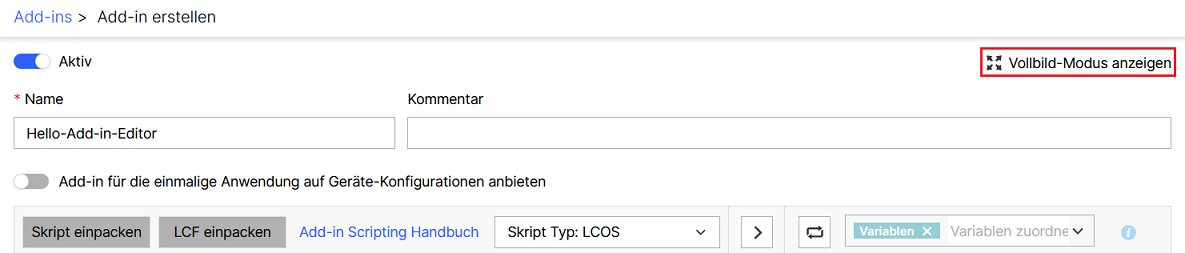
Vollbild-Modus:
Der Editor kann im Vollbild-Modus verwendet werden, um die volle Übersicht für die Skripterstellung zu erhalten. Klicken Sie dazu auf die Schaltfläche Vollbild-Modus anzeigen in der rechten oberen Ecke und das Menü sowie die Sidebar für die Zuweisung von Variablen werden eingeklappt. Der Editor verwendet anschließend die volle Breite und Höhe der LMC-Webseite.
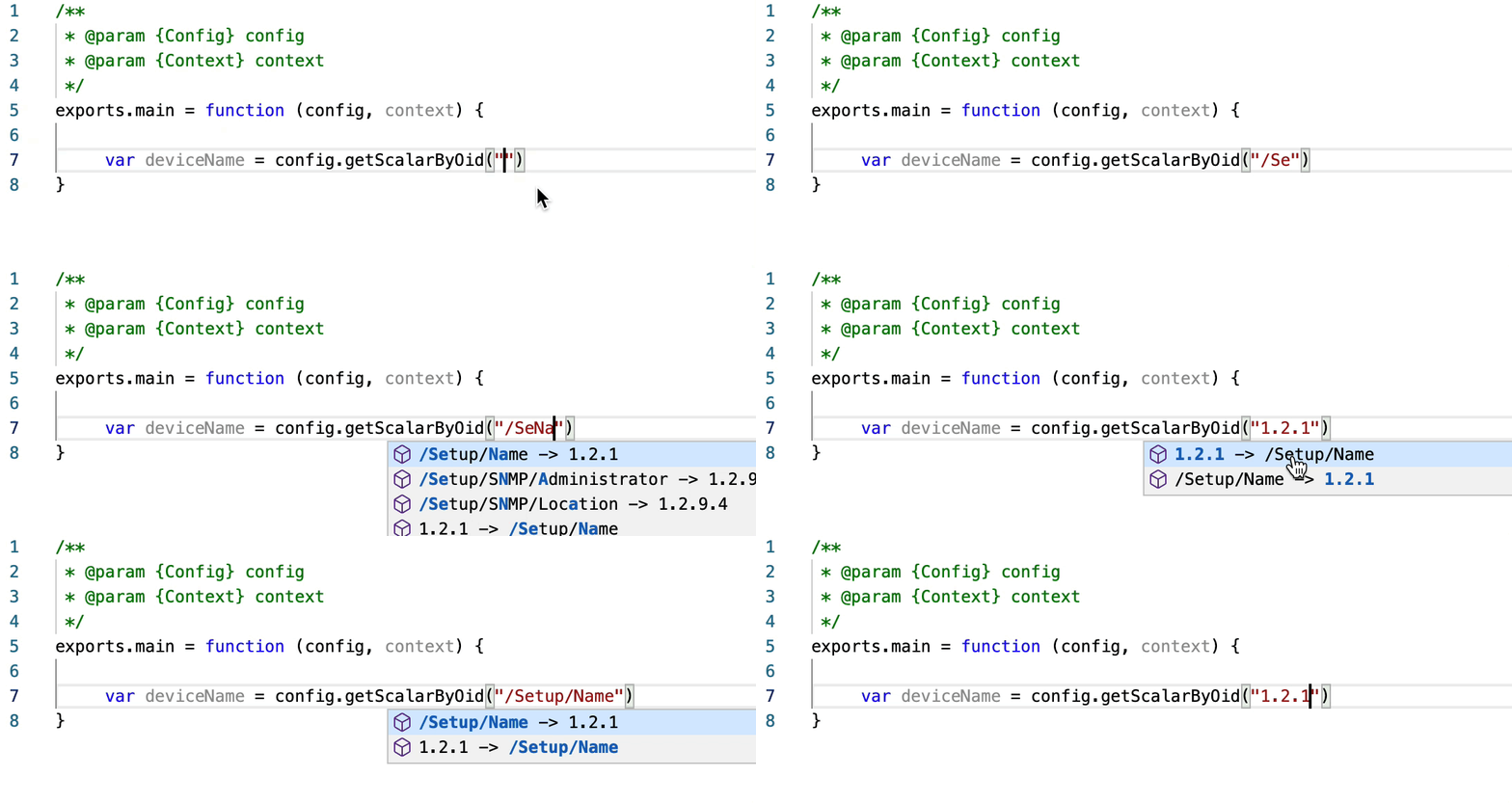
Intelligente Autovervollständigung von Code:
Die intelligente Autovervollständigung unterstützt die Auflösung von Oids zu Pfaden und umgekehrt. Weiterhin werden die beliebtesten Config- und Context-Befehle für die Skript-Erstellung wie z.B. config.getTableByOid() unterstützt. Das Autovervollständigungs-Fenster erscheint automatisch, wenn Sie den Code eingeben.
Wenn das Fenster zur Autovervollständigung nicht automatisch erscheint, können Sie auch die Tastenkombination STRG + Leerzeichen (Windows) bzw. CONTROL + Leerzeichen (Mac) drücken. |
Syntax-Hervorhebung und -Formatierung
Die Syntax-Hervorhebung und -Darstellung wurde verbessert; Fehler und Warnungen werden jetzt intuitiver markiert. Weiterhin kann der Code formatiert werden. Verwenden Sie das Kontext-Menü mit einem Rechts-Klick oder drücken Sie SHIFT + ALT + F (Windows) bzw. SHIFT + OPTION + F (Mac), um den Code zu formatieren.
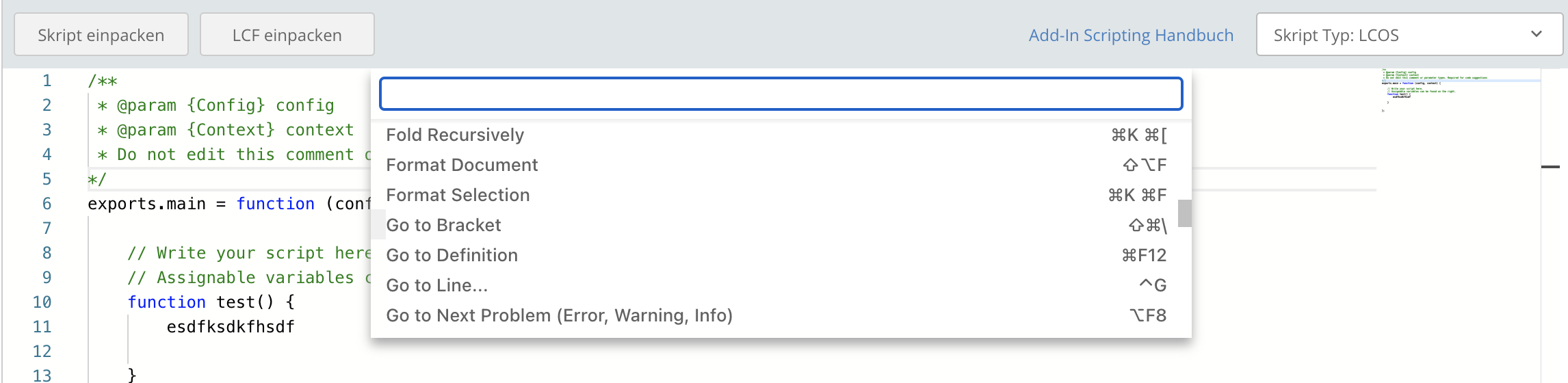
Befehls-Liste
Für die Ausführung von Skript-Befehlen können Sie die Befehls-Liste verwenden. Sie können diese per Rechtsklick oder mit einem Klick auf F1 öffnen.

Variablen-Synchronisation
Mit der Schaltfläche für die Variablen-Synchronisation in der Sidebar können Sie automatisch die Anwendungs-Variablen in dem Skript mit den zugewiesenen Anwendungs-Variablen synchrionisieren.