Information:
By default, LMC networks are rolled out to the ETH1 interface of the LANCOM R&S®Unified Firewall.
If it is desired to roll out networks to another ETH interface of the Unified Firewall, this can be configured in the LMC in the menu Project specifications→ Basic → Advanced Settings (Experts).
1. Globale Interface-Zuordnung des LMC-Netzwerks für alle Unified Firewalls:
Sobald eine System-Variable angelegt wird, gilt diese global für alle passenden Geräte. Die Zuordnung der Variable kann bei Bedarf auch auf bestimmte Geräte eingeschränkt werden (siehe Abschnitt 2). Damit eine System-Variable auf einzelne Geräte beschränkt werden kann, muss diese zuerst global angelegt werden. Dabei muss der Variable noch kein Wert zugewiesen werden. |
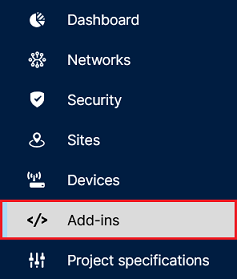
1.1) Connect to the LMC and open the menu Add-ins.
1.2) Click on System variables.

1.3) Click on Add system variable.

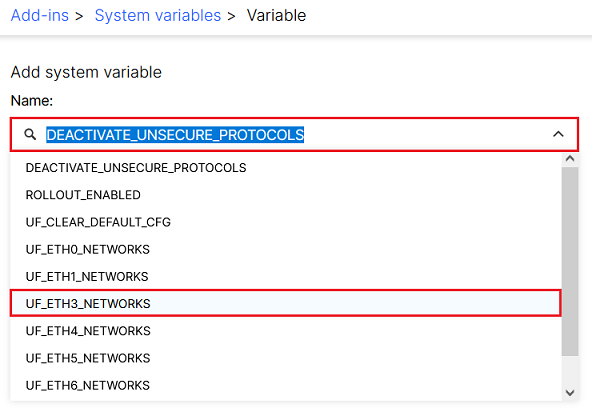
1.4) Click on the dropdown menu and select the desired interface (in this example UF_ETH3_NETWORKS).
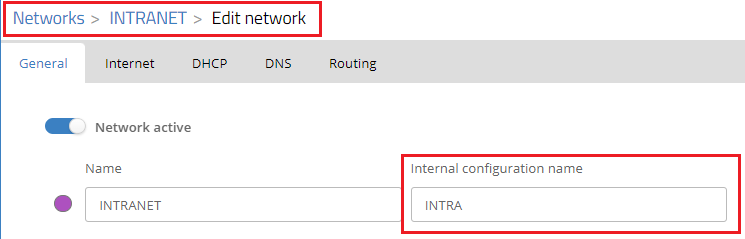
1.5) Enter the internal configuration name of the network in the field Value. Click Save afterwards.
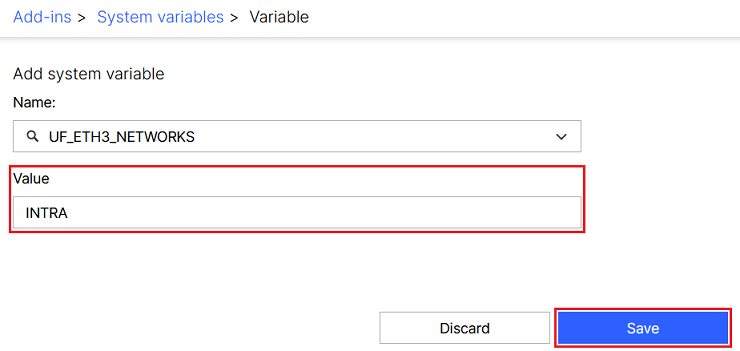
Each network can only be configured on one ETH interface!
|
2. Interface-Zuordnung des LMC-Netzwerks auf eine bestimmte Unified Firewall einschränken:
The following steps require, that the system variable has been created (see step 1). It is not necessary to enter a value for the variable though. |
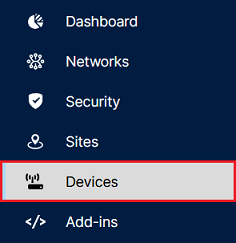
2.1) Open the menu Devices in the LMC.
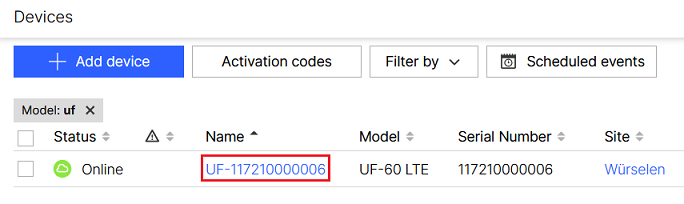
2.2) Click on the name of the Unified Firewall, to open the device settings.
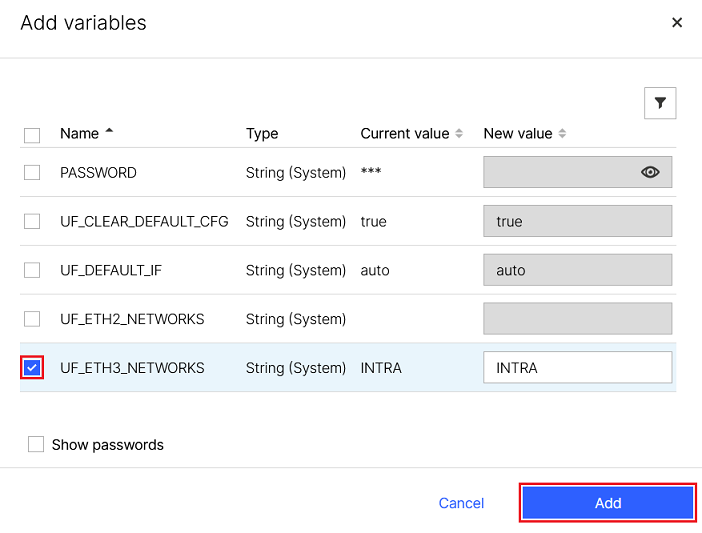
2.3) Change to the tab Variables and click on Add variables.
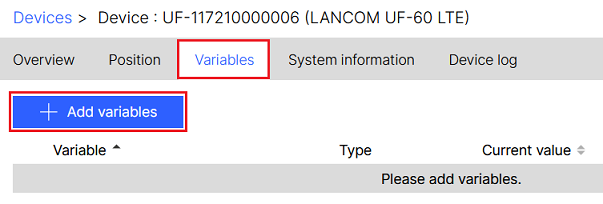
2.4) Select the interface used in step 1.5 and click Add.