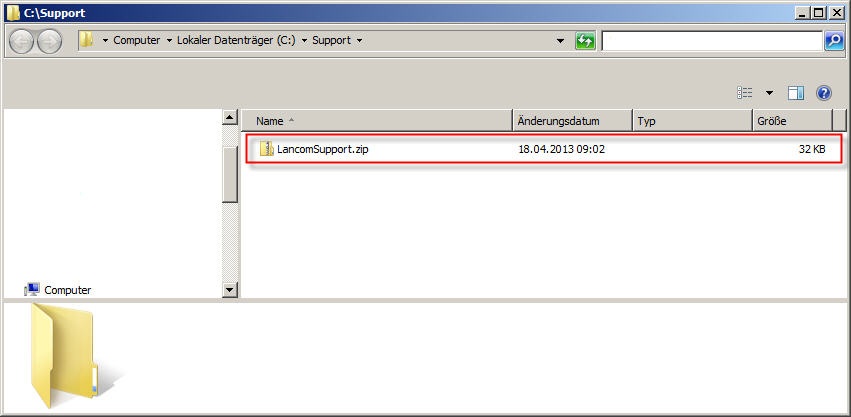
Description:
This document describes how you can use the integrated support wizard for the LANCOM Advanced VPN Client to easily generate all data that are needed to troubleshoot the problem in case of an error.
Requirements:
Procedure:
Requirements:
- LANCOM Advanced VPN Client as of version 2.3 (download latest version)
Procedure:
1. Start the support wizard with the menu Help → Support Assistant.

2. Select the data and information that you want to send to LANCOM Support. In the default settings, the data is already selected that is usually needed to diagnose a problem.
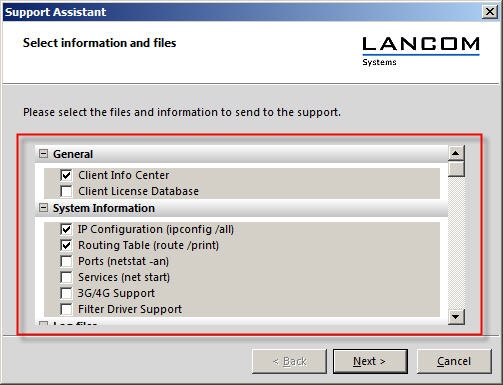
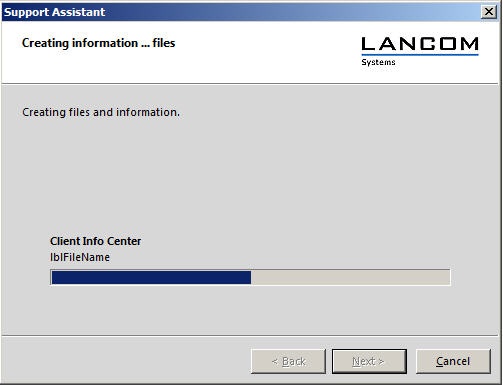
3. Click on the Next button. The files and information will now be generated.
4. The following screen displays a list of the collected data again. If necessary, data can be added or removed. If you highlight a file and press the show button, the contents of the file are displayed.
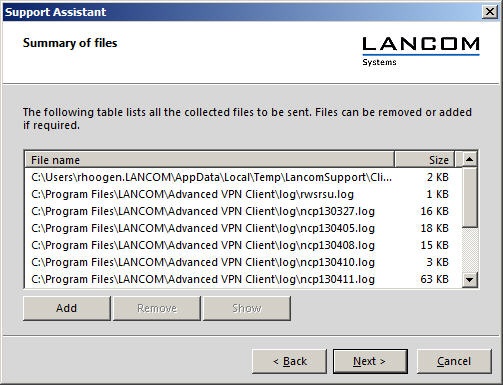
5. Click Next and in the next window select a location for the archive file that will be created.
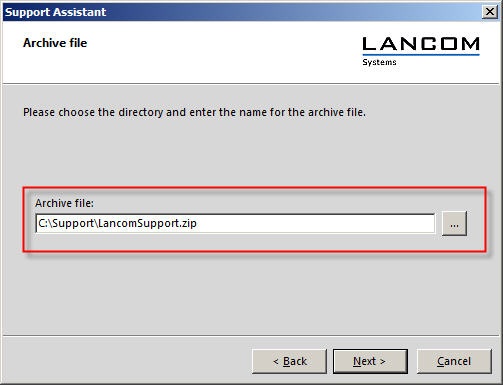
6. Subsequently, the archive file is created, and then a web browser on the PC is started automatically.
7. Login in the LANCOM Support Portal and create a new ticket in which you attach the ZIP-File.
Information for LANCOM partners:
If you want to send the resulting archive file by e-mail to the support e-mail address that was given to you by LANCOM, click on the LancomSupport.zip link in the concluding window.
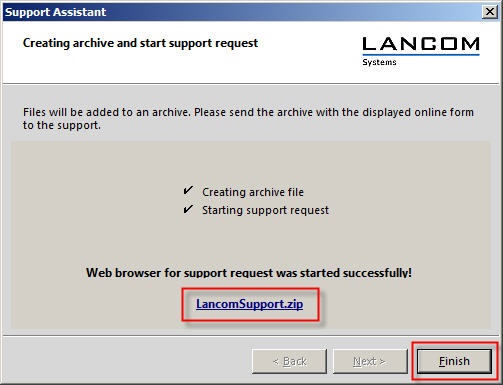
TheLocation for the archive file will be opened in the next window. The archive file must be sent by e-mail toLANCOM Partner Support.