Question:
What must be entered to set up DNS forwarding in the LANCOM router?
Answer:
Answer:
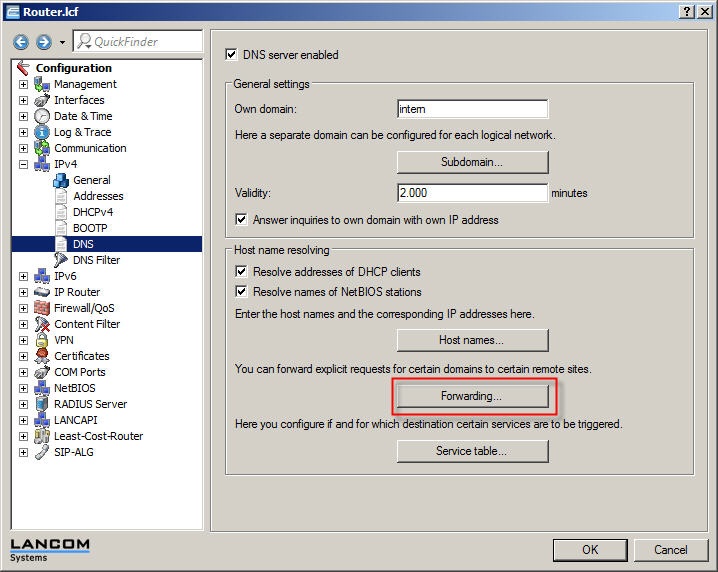
DNS forwarding is set up in LANconfig under IPv4 → DNS:
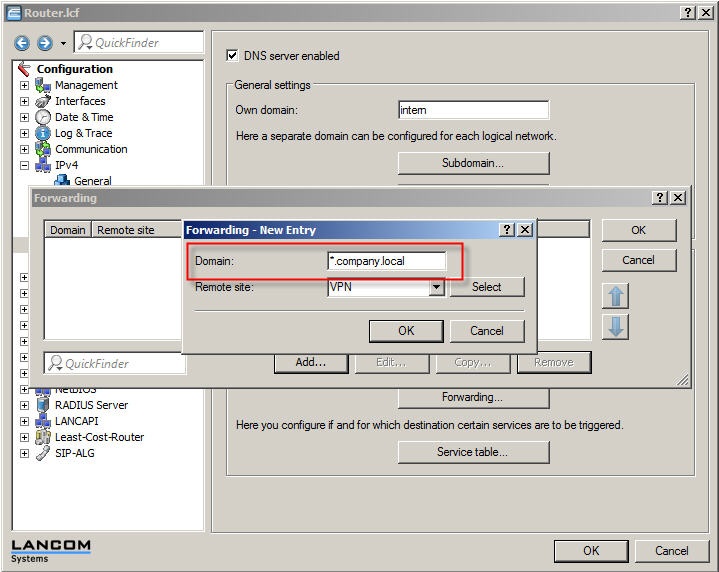
Under Forwarding specify *.company.local:
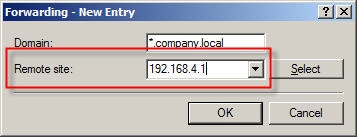
You can enter an IP address instead of a remote site here.
This entry causes DNS requests with the suffix *.company.local to be forwarded directly to the DNS server
with the IP address 192.168.4.1.
with the IP address 192.168.4.1.