Description:
In 2019 the IETF (Internet Engineering Task Force) has designated IKEv1 as deprecated and insecure and therefore it should not be used anymore. LANCOM Systems instead recommends to use the current standard IKEv2.
The IKEv1 functionality in LANCOM devices remains intact and can still be used for scenarios where devices without IKEv2 support are used. However LANCOM Systems will not provide any support regarding the troubleshooting of connection problems with IKEv1 connections. Also there won't be any bug fixes or new features for IKEv1.
In rare cases a disconnect can occur during rekeying. In such a case it can be useful to increase the lifetimes, so that the disconnects occur less often.
Requirements:
- LCOS as of version 9.10 (download latest version)
- LANtools as of version 9.10 (download latest version)
- Mobile device (smartphone, tablet PC, etc.) with the Android operating system version as of 4.x
- LANCOM central-site gateway, WLAN controller, or LANCOM router with an activated VPN 25 Option
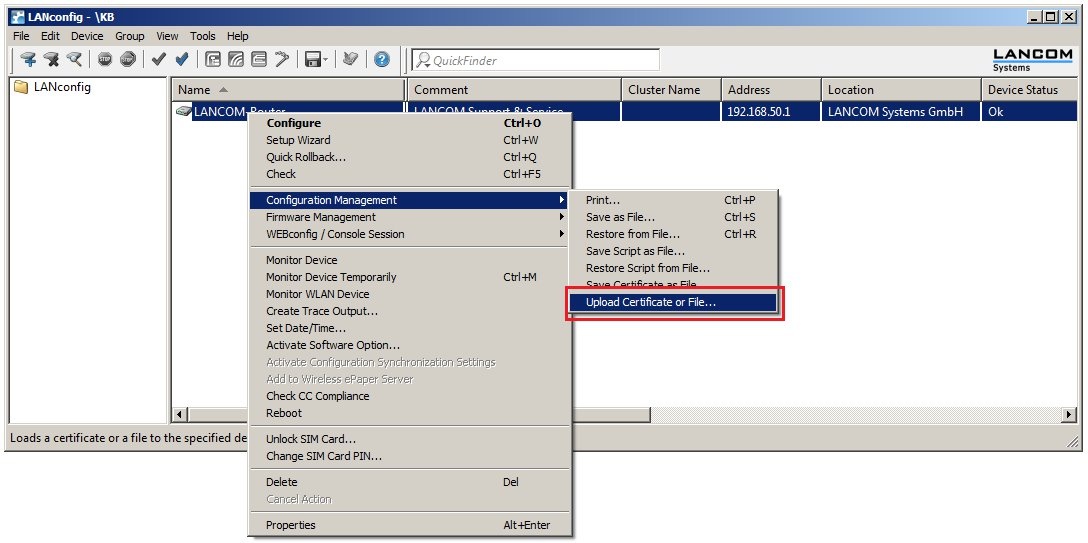
- Certificates for the LANCOM router and Android device. How to create certificates with LANCOM Smart Certificate is described in this Knowledge Base article .
Procedure:
1) Enable the CA function in the LANCOM router
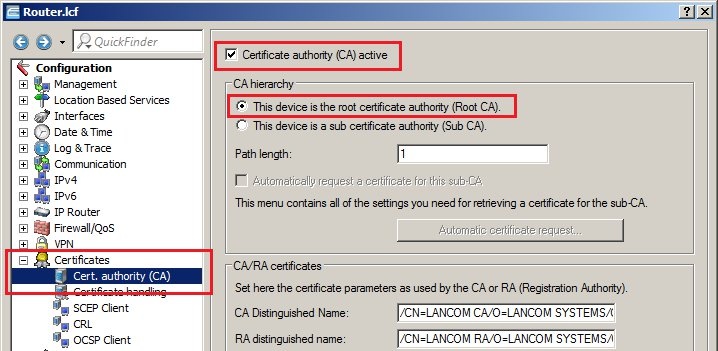
1.1) In LANconfig, open the configuration dialog for the LANCOM router and switch to the menu item Certificates → Cert. authority (CA).
1.2) Set a check mark for the option Certificate authority (CA) active. The LANCOM router functions as the root certificate authority (root CA).
For this configuration example we leave all of the other parameters with their preset values.
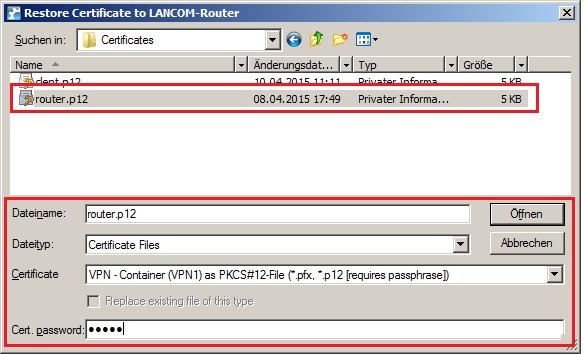
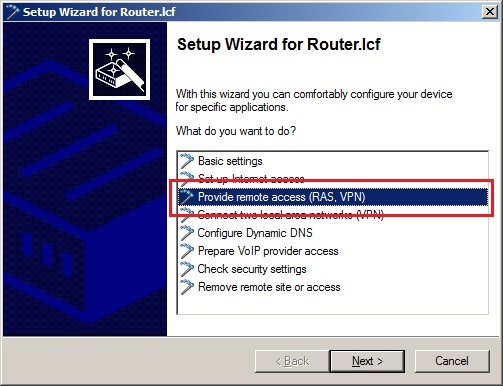
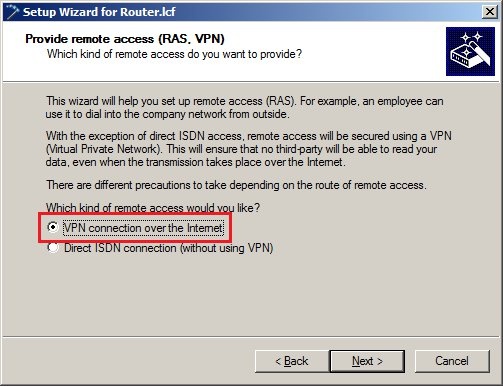
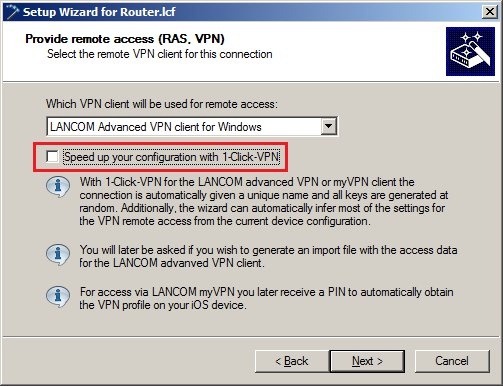
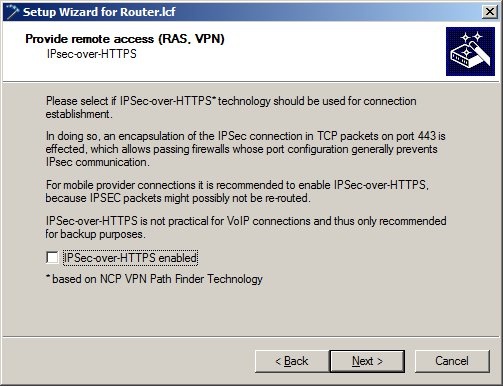
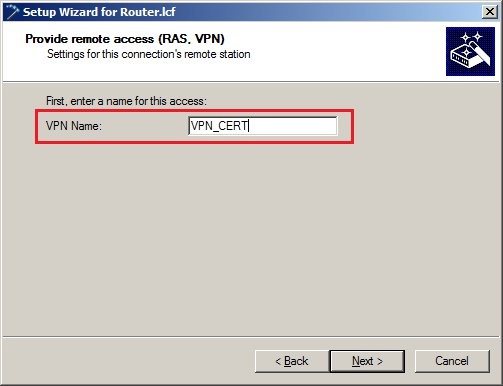
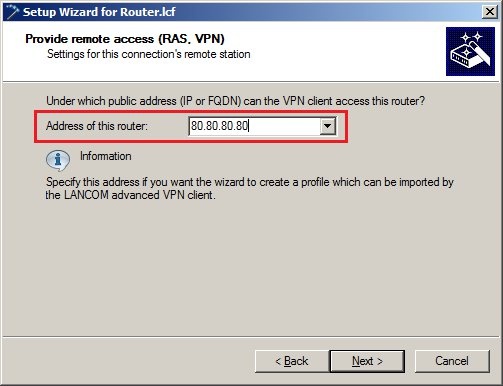
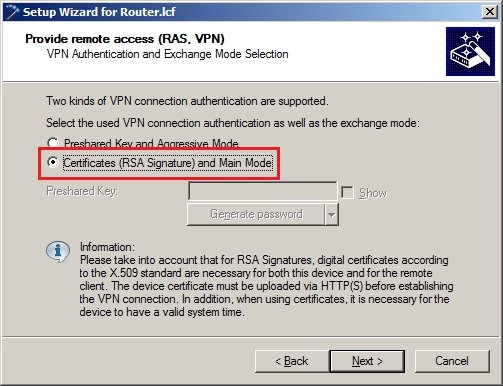
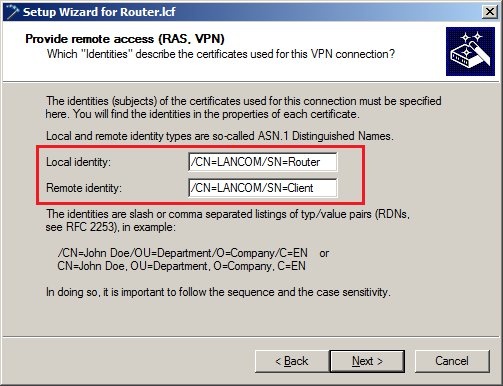
- As the local identity, enter the name of the certificate in the LANCOM router.
- As the remote identity, enter the name of the certificate in the VPN client.
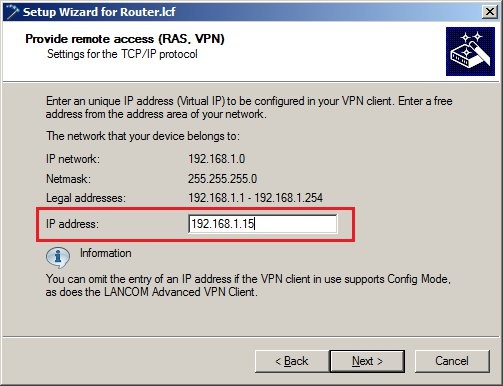
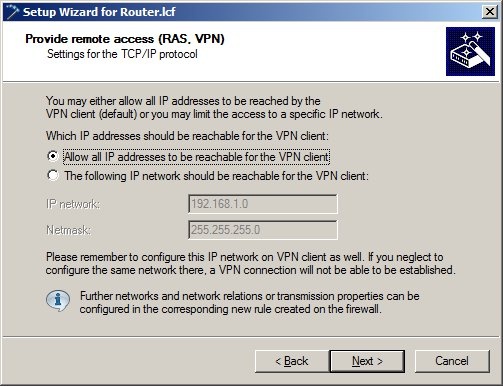
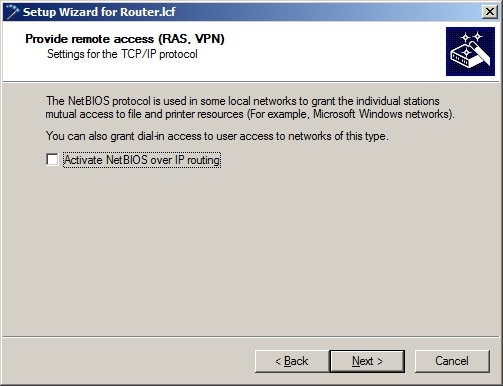
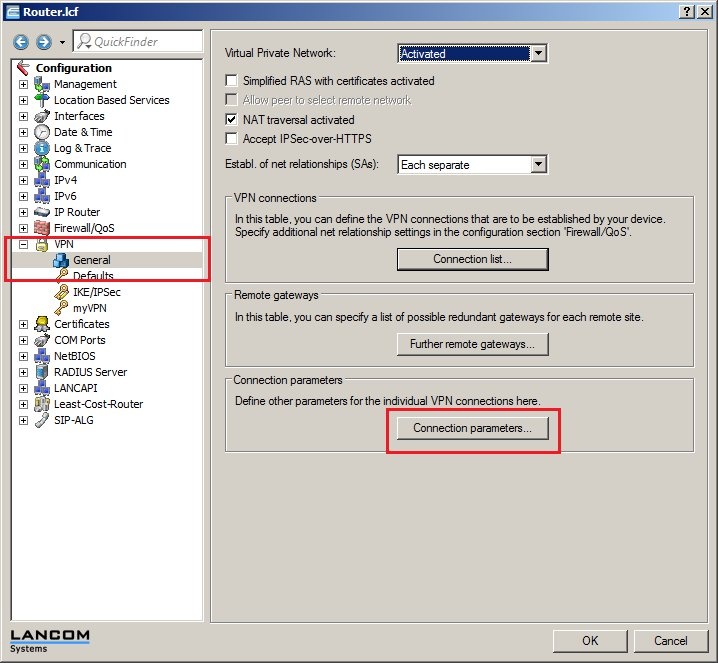
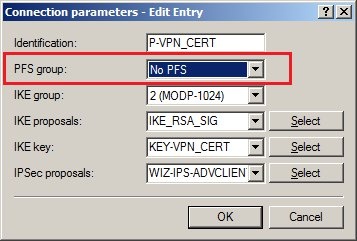
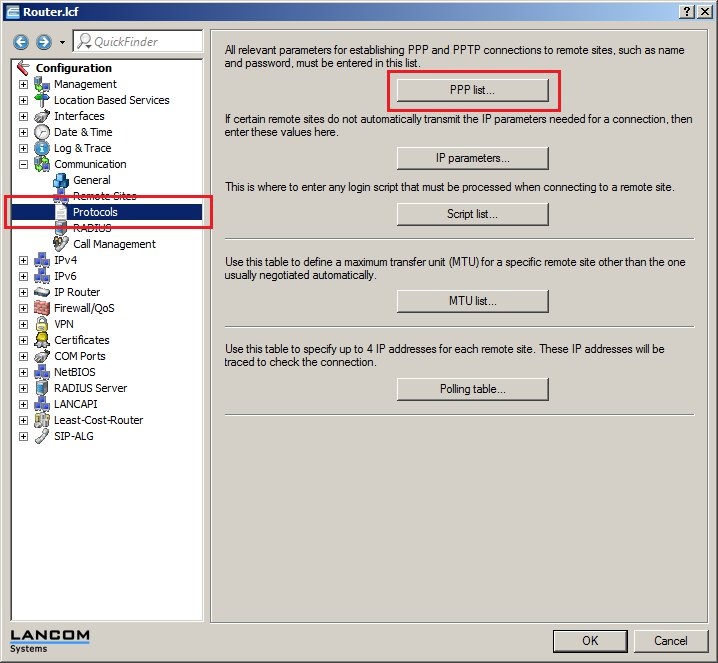
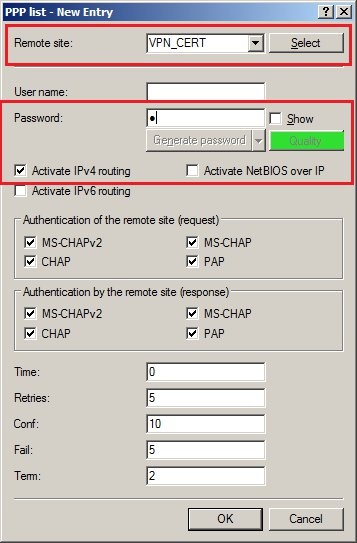
- As the Remote site, select the new VPN client connection.
- Set a password in the Password field.
- Enable the option Activate IP routing.
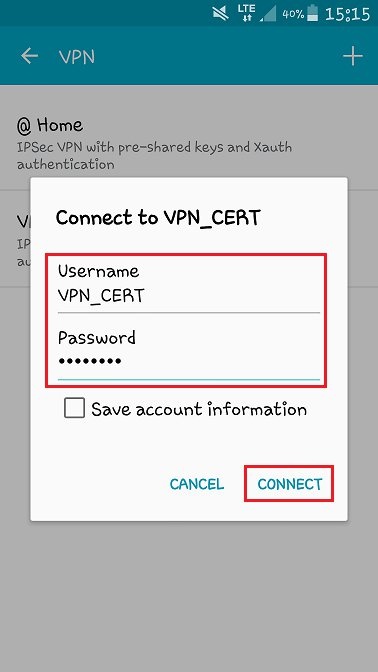
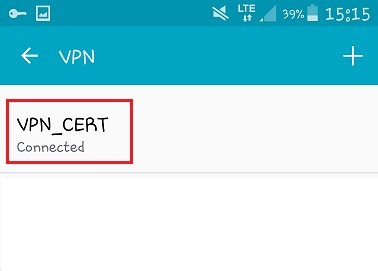
You will need the name of the remote site and the password again later in step 6.2 to establish the VPN connection.
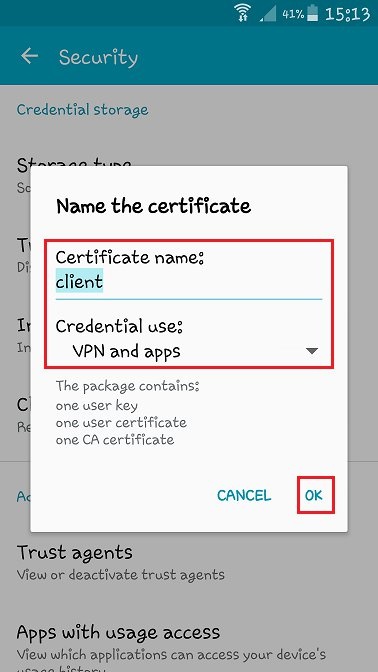
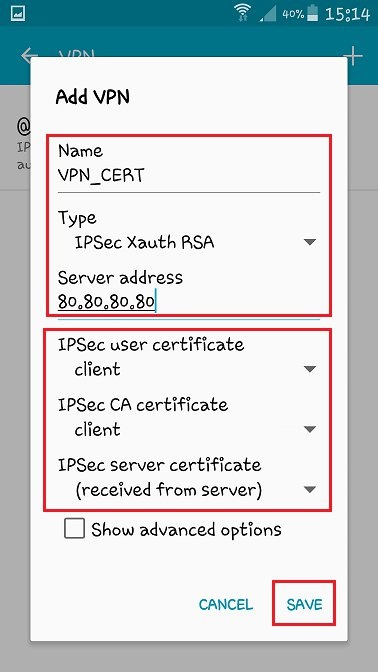
- In the Name box, enter a name for the new VPN profile. Use any name you like.
- Set the selection field Type to IPSec Xauth RSA.
- In the Server address field, enter the public IP address or public DNS address of the LANCOM router.
- Set each of the selection fields IPSec user certificate and IPSec-CA certificate to the client certificate.
- In the IPSec server certificate selection box, set the option Received from server.
- As the Username , enter the name you set for the VPN connection configured in the LANCOM (in this case: VPN_CERT).
- The Password is the one you entered in the PPP list entry.